
How to measure ChatGPT traffic in GA4
How to measure traffic from ChatGPT and other AI in GA4: the new AI Assistant channel, the dark-traffic problem and the recommended 2026 setup.


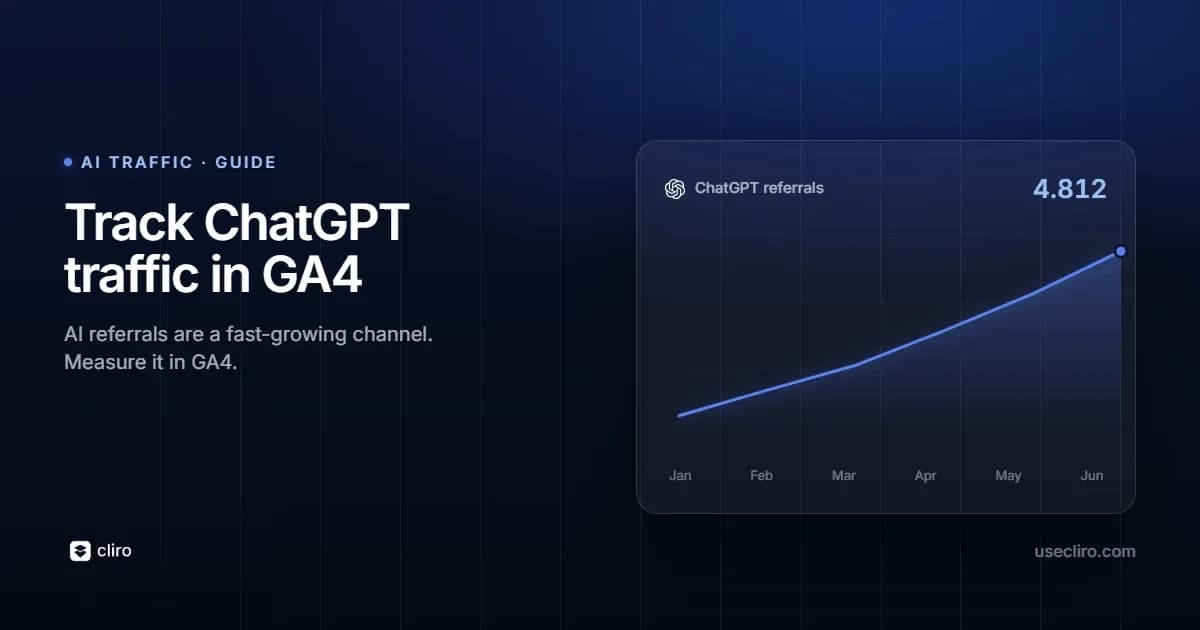
Appearing in ChatGPT is nice, but how many people actually end up on your site from there? Measuring that in GA4 used to be a headache… until recently. In May 2026 Google added a native channel for AI traffic, though with several gaps. Here's how to measure it well today.
AI traffic is the people who land on your site after clicking a link inside an AI answer. As of May 13, 2026, GA4 has a native "AI Assistant" channel that automatically detects ChatGPT, Gemini and Claude, but it leaves out Perplexity and Copilot (they go to Referral) and doesn't capture sessions without a referrer, which can be between 35% and 70% and land in Direct. The recommended setup for 2026: use the native channel plus a custom channel group with regex covering all platforms, placed above Referral.
What AI traffic is
It's the set of human visitors who land on your site after clicking a link cited inside an AI answer. Someone asks ChatGPT, Gemini, Claude, Perplexity or Copilot a question; the assistant cites a source; and the person clicks. That click is what you want to measure.
The news: GA4's "AI Assistant" channel
On May 13, 2026, Google added a native "AI Assistant" channel to GA4's default channel group. When a session arrives with a referrer from a recognized AI, GA4 assigns it the medium "ai-assistant" and groups it there, with no setup. To see it: Reports → Acquisition → Traffic acquisition, and set the dimension to "Session default channel group".
Its limits:
- At launch it recognizes a short list (ChatGPT, Gemini and Claude). Perplexity and Copilot stay in Referral.
- It's not retroactive: it processes forward only.
- It only captures sessions with an intact referrer.
The dark-traffic problem
Here's the big asterisk: much of AI traffic arrives without a referrer and lands in Direct. According to Statcounter data from March 2026, between 35% and 70% of AI sessions arrive with no referral information. Free ChatGPT users, for example, often don't send a referrer. The result: most brands underestimate their AI traffic. Don't take the native channel's number as the full picture.
The recommended setup for 2026
The most solid approach is to run two things in parallel:
- The native "AI Assistant" channel (free, automatic, for ChatGPT, Gemini and Claude).
- A custom channel group with regex covering all platforms, placed above Referral in the ordering, because GA4 evaluates top-down.
In Admin → Data display → Channel groups, create one (for example "AI Traffic 2026") with an "AI" channel defined by this condition on the source:
chatgpt\.com|chat\.openai\.com|perplexity\.ai|claude\.ai|gemini\.google\.com|copilot\.microsoft\.com|grok\.x\.com|you\.com|meta\.ai
Update it periodically, because new platforms appear often. And to analyze historical data, use an Exploration filtered by those sources.
The AI domains to track
- ChatGPT: chatgpt.com (and chat.openai.com)
- Perplexity: perplexity.ai
- Claude: claude.ai
- Gemini: gemini.google.com
- Copilot: copilot.microsoft.com
- Emerging: grok (x.com), you.com, meta.ai, DeepSeek
Check your Referral source list once a month to spot new domains.
How to recover some of the lost traffic
Since a lot lands in Direct, you won't capture everything, but you can improve:
- Add UTM parameters to links you share in spaces where AI might pick them up.
- Server-side tracking recovers part of what client-side misses.
- Watch for unexplained Direct spikes: they often hide AI traffic.
Heads up: AI Overviews are not the same
Watch out for a common confusion: traffic from Google's AI Overviews counts as Organic Search, not AI Assistant, because it happens inside search. The AI channel measures the assistants (ChatGPT and friends), not Google's summaries.
Common mistakes
- Taking the native channel as the full picture, ignoring dark traffic.
- Not creating the custom group and losing Perplexity and Copilot.
- Placing the AI rule below Referral: then it captures nothing.
- Confusing AI Overviews (Organic) with assistant traffic.
- Not updating the regex when new platforms appear.
Frequently asked questions
Does GA4 measure AI traffic on its own now?
Since May 2026 it has a native channel, but it recognizes few platforms and misses what arrives without a referrer.
Why does so much AI traffic show up as Direct?
Because many sessions arrive without a referrer; this happens especially with free users.
Do I need the custom group if the native one exists?
Yes, to capture Perplexity, Copilot and platforms the native one doesn't yet recognize.
Is it retroactive?
The native channel isn't. For historical data, use Explorations filtered by source.
Do AI Overviews count as AI?
No; they count as Organic Search.

Written by
Federico Ergang
Cliro cofounder & CEO
Federico Ergang is cofounder and CEO of Cliro, the AI visibility and GEO platform for Latin America.
Related articles
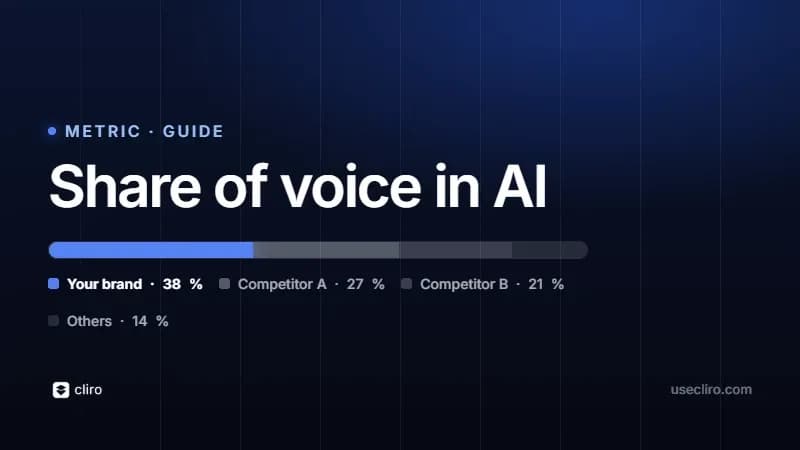
How to measure your brand's share of voice in AI
What share of voice in AI is and how to measure it: how often models mention you versus your competitors, how it's calculated and how to improve it.
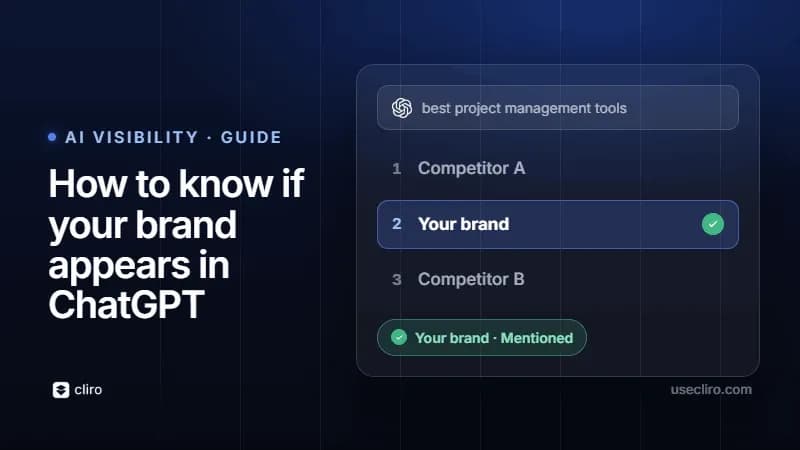
How to know if your brand appears in ChatGPT
Does your brand show up in ChatGPT when someone asks for recommendations in your category? How to check it with a manual test, its limits and how to measure it for real.
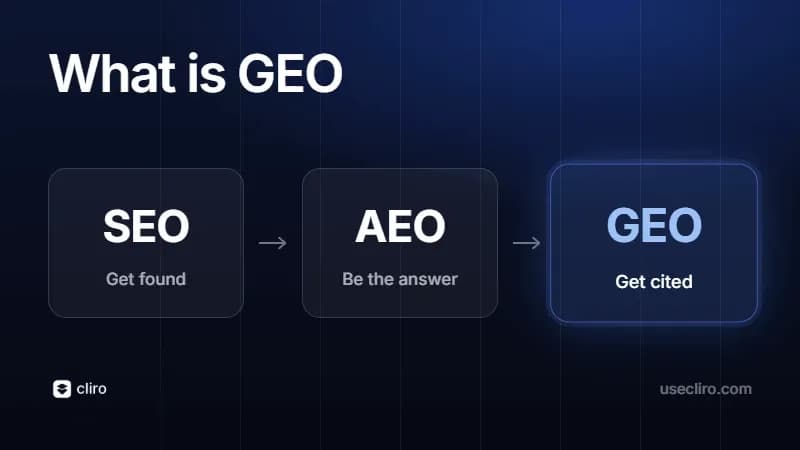
What is GEO (Generative Engine Optimization)? A complete guide
GEO (Generative Engine Optimization) means optimizing your brand to show up in answers from ChatGPT, Gemini and other AI. What it is, why it matters, how to do it and how to measure it.