robots.txt for AI crawlers: GPTBot, ClaudeBot and more
Which AI crawlers exist, which to let in and how to set up your robots.txt so AI can cite you. With ready-to-copy templates.


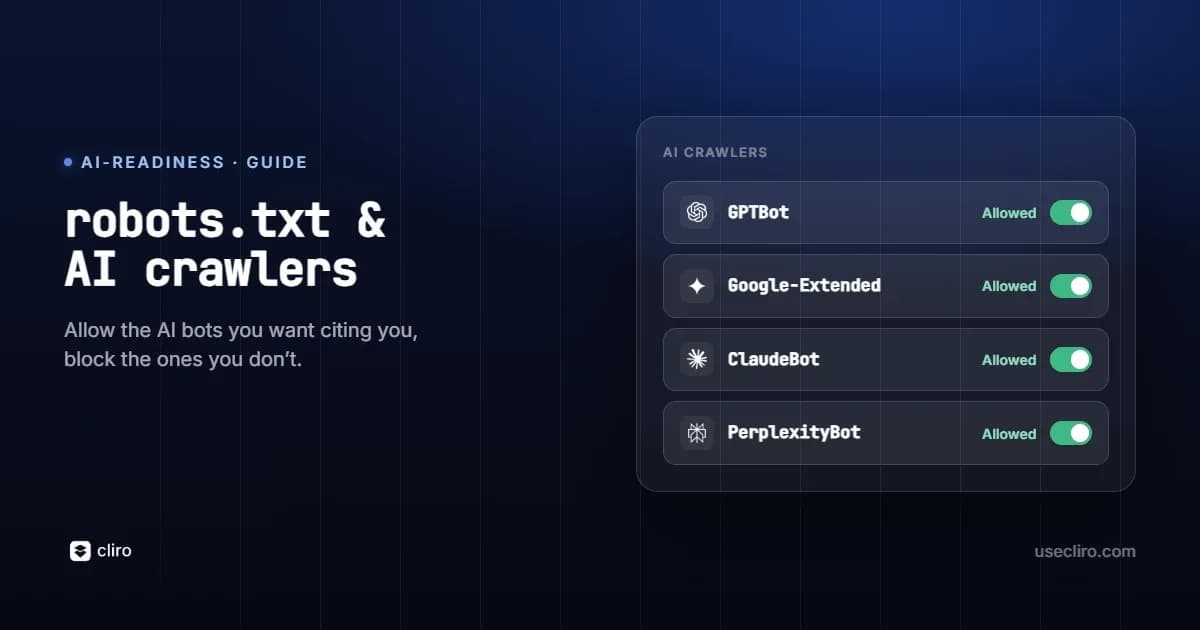
robots.txt is the first thing an AI crawler reads before it decides whether it can access your site. Block the wrong bot and your content becomes invisible to that AI engine no matter how good it is. Most sites that vanish from ChatGPT, Claude, or Perplexity do not have a content problem. They have a robots.txt problem.
The tricky part is that AI crawlers do not all do the same job, and blocking one has very different consequences from blocking another. This guide covers the crawlers that matter, what each one actually does, and how to configure robots.txt so you stay visible where it counts.
Why does robots.txt matter for AI visibility?
robots.txt is a plain text file at the root of your domain that tells automated crawlers which parts of your site they may request. Compliant AI crawlers read it before crawling, and a page a crawler cannot read is a page it cannot cite. Many sites block an AI crawler by accident: a rule copied from an old site, a blanket disallow left over from a staging environment, or a security plugin that quietly added AI bots to a blocklist. Two things are worth stating up front. robots.txt is a set of directives that well-behaved crawlers honor voluntarily, not a security control. And it governs crawling, which is not always the same as how your data is used, a distinction that changes what a block actually costs you.
Which AI crawlers should you know about?
It helps to group crawlers by what they do, because that determines how much a block costs you.
Real-time retrieval crawlers, the ones that feed live answers
These fetch pages to answer a user's question right now, so they are the most directly tied to whether you get cited. Blocking one removes you from that engine's live answers. They include ChatGPT-User and OAI-SearchBot from OpenAI, PerplexityBot from Perplexity, and ClaudeBot when it retrieves for answers.
Model training crawlers, the ones that shape long-term knowledge
These collect content used to train or ground models. Whether you allow them is a data-use decision as much as a visibility one. They include GPTBot from OpenAI, Google-Extended for Gemini, Applebot-Extended for Apple Intelligence, and CCBot, whose open dataset feeds many models.
Search indexing crawlers, the SEO foundation AI still leans on
Googlebot and Bingbot index the web for traditional search, and that index still feeds Google AI Overviews, Google AI Mode, and Copilot. Blocking them is almost always a mistake.
| Crawler | Company | What it does | Type |
|---|---|---|---|
| GPTBot | OpenAI | Trains models and builds ChatGPT knowledge | Training |
| ChatGPT-User / OAI-SearchBot | OpenAI | Real-time browsing and search inside ChatGPT | Retrieval |
| ClaudeBot | Anthropic | Crawls for Claude | Training and retrieval |
| Google-Extended | Controls use of your content for Gemini, separate from Search | Training | |
| PerplexityBot | Perplexity | Powers Perplexity's cited answers | Retrieval |
| Applebot-Extended | Apple | Controls use for Apple Intelligence, separate from Siri and Search | Training |
| Googlebot | Indexes for Search, which still feeds AI Overviews and AI Mode | Search | |
| CCBot | Common Crawl | Builds an open dataset used to train many LLMs | Training |
For how these bots identify themselves, see what a user-agent is, and for the wider picture, what an AI crawler is.
What is the difference between crawling, training, and retrieval?
This is where most robots.txt advice goes wrong. Google-Extended and Applebot-Extended do not control whether you appear in Google Search or Apple's search. They control whether your content can be used to train or ground those companies' AI models. Blocking Google-Extended will not hurt your Google ranking, but it can keep you out of Gemini's grounded answers. Blocking a retrieval crawler like PerplexityBot or ChatGPT-User is different and more immediate: it removes you from the live answers those tools generate for real users. So the honest rule is simple. Be very careful before blocking retrieval crawlers, treat training crawlers as a deliberate data-policy choice, and almost never block search crawlers.
What does an optimal robots.txt for AI look like?
For most sites that want maximum AI visibility, the goal is to allow the retrieval and search crawlers and make a conscious choice about the training ones. Because the default when no rule matches is to allow, the cleanest file simply disallows the private paths you truly want to keep out and avoids any blanket block:
User-agent: *
Disallow: /admin/
Disallow: /checkout/
Sitemap: https://yourdomain.com/sitemap.xml
No AI bot is blocked here. Every crawler can read everything except the private paths. If you would rather your content not be used to train models, but you still want to be cited in live answers, keep the retrieval and search crawlers and disallow only the training ones:
User-agent: *
Disallow: /admin/
Disallow: /checkout/
# Opt out of model training only
User-agent: GPTBot
Disallow: /
User-agent: Google-Extended
Disallow: /
User-agent: Applebot-Extended
Disallow: /
User-agent: CCBot
Disallow: /
Sitemap: https://yourdomain.com/sitemap.xml
Always include your sitemap, and remember that an empty Disallow line means full access for that crawler, while Disallow with a path blocks it.
Common robots.txt mistakes that make you invisible to AI
- The blanket block. A leftover "User-agent: * / Disallow: /" from a staging site keeps every crawler out of your entire domain. Replace it with path-level disallows.
- Blocking a retrieval crawler by accident. Disallowing PerplexityBot, ChatGPT-User, or OAI-SearchBot removes you from those engines' live, cited answers. This is the most costly mistake for visibility.
- Inherited or plugin-added blocks. Security plugins and migrated configs sometimes add AI bots to a blocklist without telling you. Audit what you actually ship, not what you think you ship.
- Treating robots.txt as security. It is a request, not a lock. Sensitive content belongs behind authentication, not a Disallow line.
- Forgetting the sitemap. Without a Sitemap directive, crawlers work harder to find your pages and can miss new ones.
How do you check which bots your site allows?
You can spot-check a single crawler from the command line by requesting your site with that bot's user-agent:
curl -A "GPTBot/1.0" -I https://yourdomain.com/
Fetch your live file with curl https://yourdomain.com/robots.txt and read it line by line, then review your server logs to see which AI crawlers are actually visiting and which are being turned away. Doing this by hand for every bot and every important page is slow and easy to get wrong, which is why Cliro's Site Audit checks the major AI crawlers across your whole site automatically and flags any that are blocked, so you catch an accidental block before it costs you months of invisibility. To tie the fix to an outcome, pair it with a baseline of your share of voice in AI.
Recommendations by goal
- Maximum AI visibility. Allow all retrieval and search crawlers, include your sitemap, and disallow only genuinely private paths. Decide on training crawlers based on your data policy.
- Selective control. Keep the retrieval and search crawlers so you stay citable, and disallow the training crawlers (GPTBot, Google-Extended, Applebot-Extended, CCBot) if you prefer your content not train models.
- Sensitive content. Never rely on robots.txt to hide it. Use authentication, and disallow by path rather than by bot so your public pages stay accessible to AI.
Frequently asked questions
Does blocking Google-Extended hurt my Google ranking?
No. Google-Extended controls whether your content is used for Gemini, separate from Googlebot and Search. Blocking it does not affect your ranking, but it can keep you out of Gemini's grounded answers.
Which AI crawler is most important to allow?
The retrieval crawlers, because they feed live, cited answers: ChatGPT-User and OAI-SearchBot, PerplexityBot, and ClaudeBot. Blocking these has the most immediate cost to visibility.
Do AI crawlers actually obey robots.txt?
The major documented crawlers state that they respect robots.txt. It relies on voluntary compliance, so treat it as a directive for well-behaved bots, not a guarantee and not a security measure.
How often should I review my robots.txt?
Whenever you migrate or redesign your site, install a security or SEO plugin, or a new AI crawler appears. A periodic automated audit catches the changes you did not make on purpose.

Written by
Federico Ergang
Cliro cofounder & CEO
Federico Ergang is cofounder and CEO of Cliro, the AI visibility and GEO platform for Latin America.
Related articles
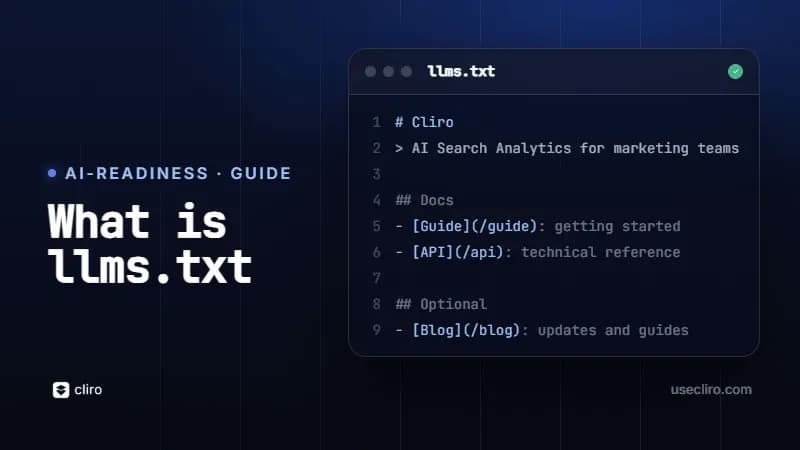
What is llms.txt and how to create yours
What the llms.txt file is, how to create yours step by step and the truth about its adoption: why it's a low-cost, low-yield bet right now.
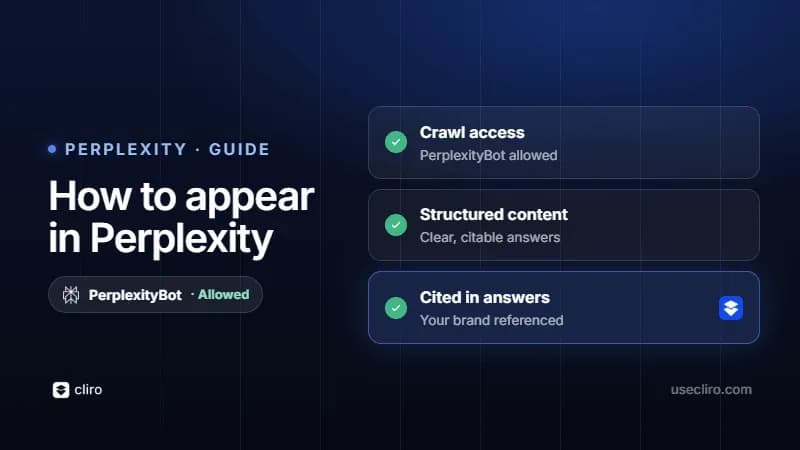
How to appear in Perplexity
Perplexity cites only a few sources per answer. How to make your brand one of them: crawlability, extractable content, freshness and authority.